From sensors
to results
In under five minutes. No complex setup. This is an nMotion session from start to finish.
Three components,
one complete ecosystem
%20rotate(-45)'/%3e%3crect%20class='cls-3'%20x='92.08'%20y='4'%20width='74.83'%20height='10.92'/%3e%3ccircle%20class='cls-1'%20cx='212.49'%20cy='67.71'%20r='11.37'/%3e%3cpath%20class='cls-5'%20d='M142.79,234.08c-6.21-2.56-9.27-6.49-7.66-13.53.66-2.88,4.44-4.6,5.49-7.8,3.23-9.78-3.76-9.56-5.29-15.41-1.3-4.98,1.29-9.71-3.17-14.05-3-2.92-7.65-2.16-11.58-4.08-3.57-1.74-4.55-4.94-8.69-5.4-9.26-1.03-11.07,9.34-20.15,6.08-9.83-3.54-8.07-18.13,2.21-19.31,7.88-.9,9.5,7,16.35,7,6.24,0,7.84-6.04,12.71-6.88s7.35,2.29,12.58.85c7.22-1.99,5.47-9.48,9.49-13.2,6.7-6.23,17.37-.83,16.52,8.65-.19,2.16-1.46,3.13-1.6,5.08,8.77-3.75,17.04,5.32,12.4,13.59-4.07,7.27-11.32,3.37-15.56,7.91-3.76,4.03-1.43,9.03-2.85,13.58-1.23,3.93-6.33,5.7-6.46,11.57s5.45,7.66,6.6,12.01c1.84,6.94-1.93,11.27-8.24,13.33h-3.13.02ZM155.31,165.23c-6.86.5-15.87-3.97-19.34,4.5-3.96,9.67,7.27,17.67,15.06,11.14,4.71-3.94,1.49-10.41,4.3-15.66h-.01Z'/%3e%3cpath%20class='cls-5'%20d='M108.17,127.05c13.93-2.67,16.47,19.22,2.84,20.16-12.56.86-14.49-17.91-2.84-20.16Z'/%3e%3c/g%3e%3c/svg%3e)
Magnetometer · 200 Hz

No drivers · Plug & play
History · Export
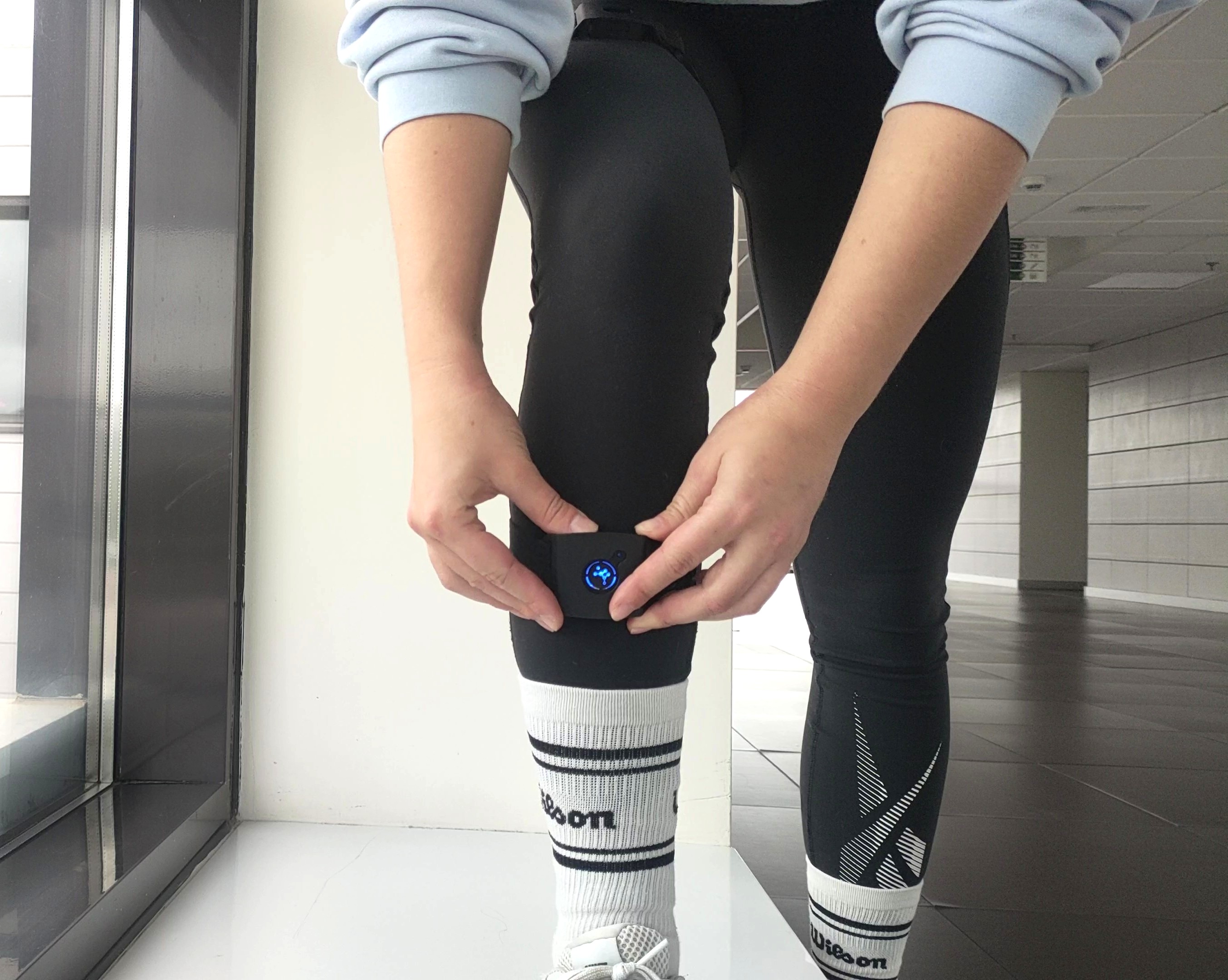
Place the sensors on the patient
Secure each IMU on the correct body segment with the included Velcro straps. The system detects them automatically when powered on.
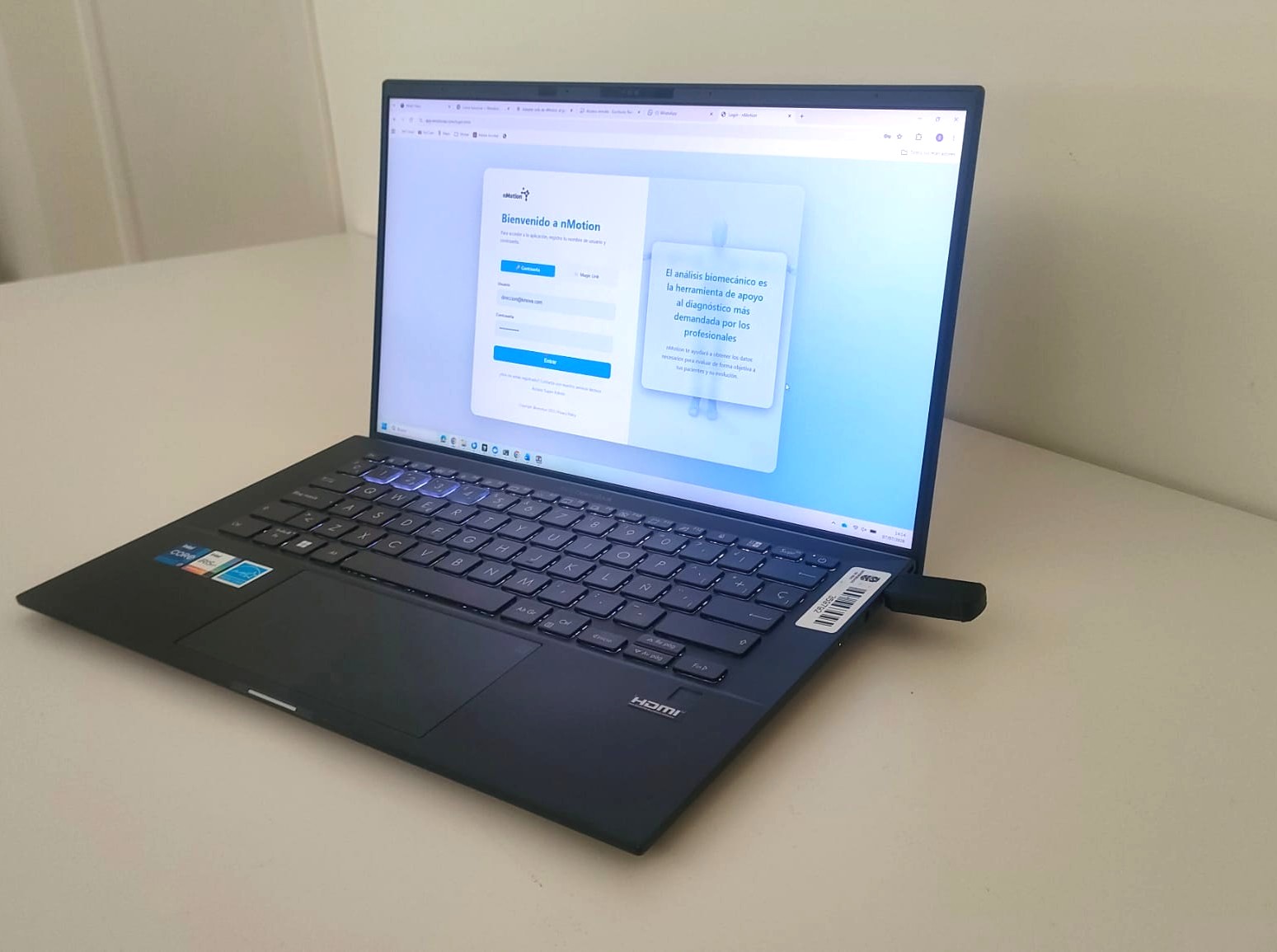
Plug in the dongle and open the platform
Insert the USB dongle into the computer. Open nMotion in the browser with your credentials. Sensors appear automatically in the device panel.
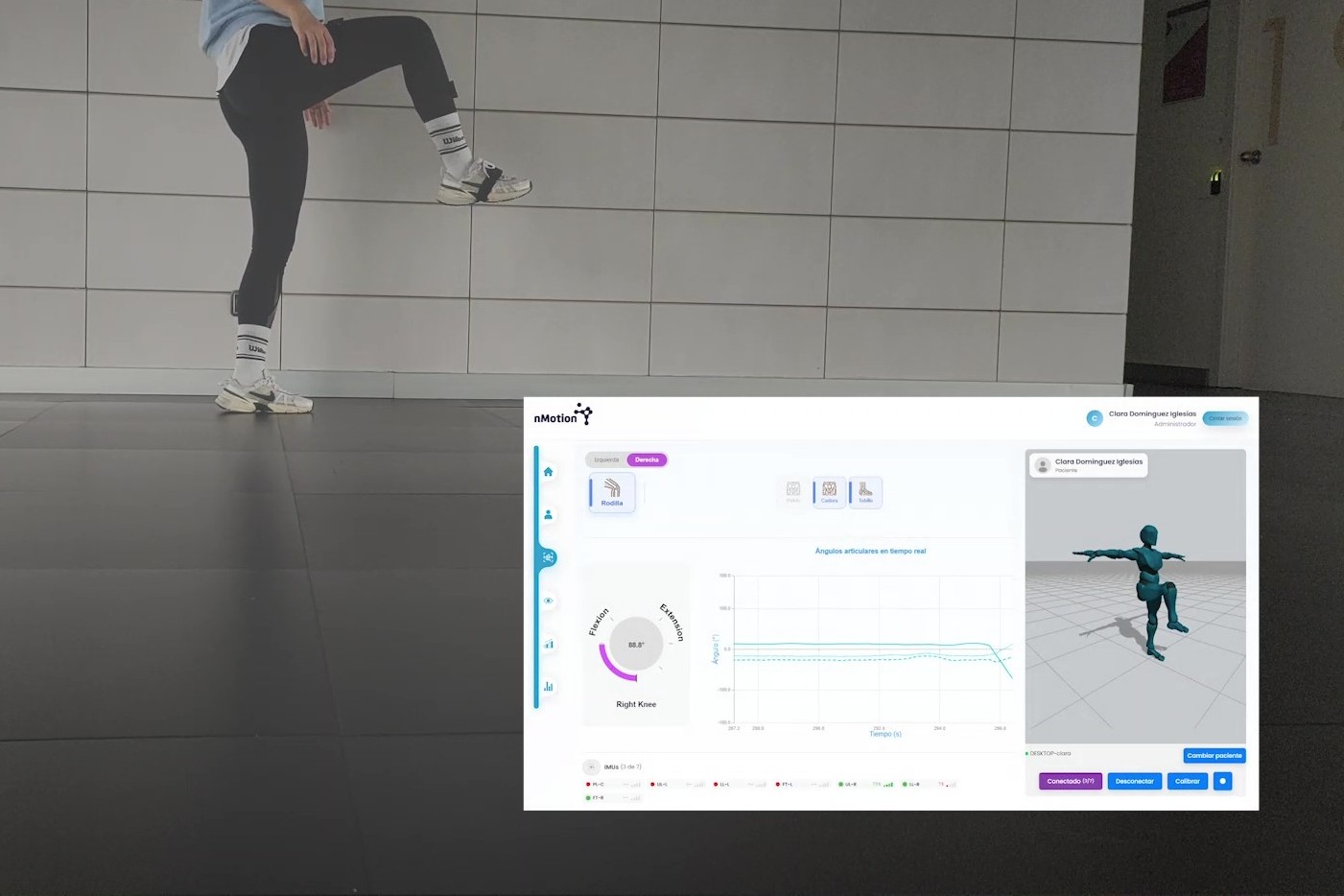
Start the session and capture live
Select the patient, choose the protocol, and press Start. Movement data appears on screen with under 5 ms latency while the patient moves.
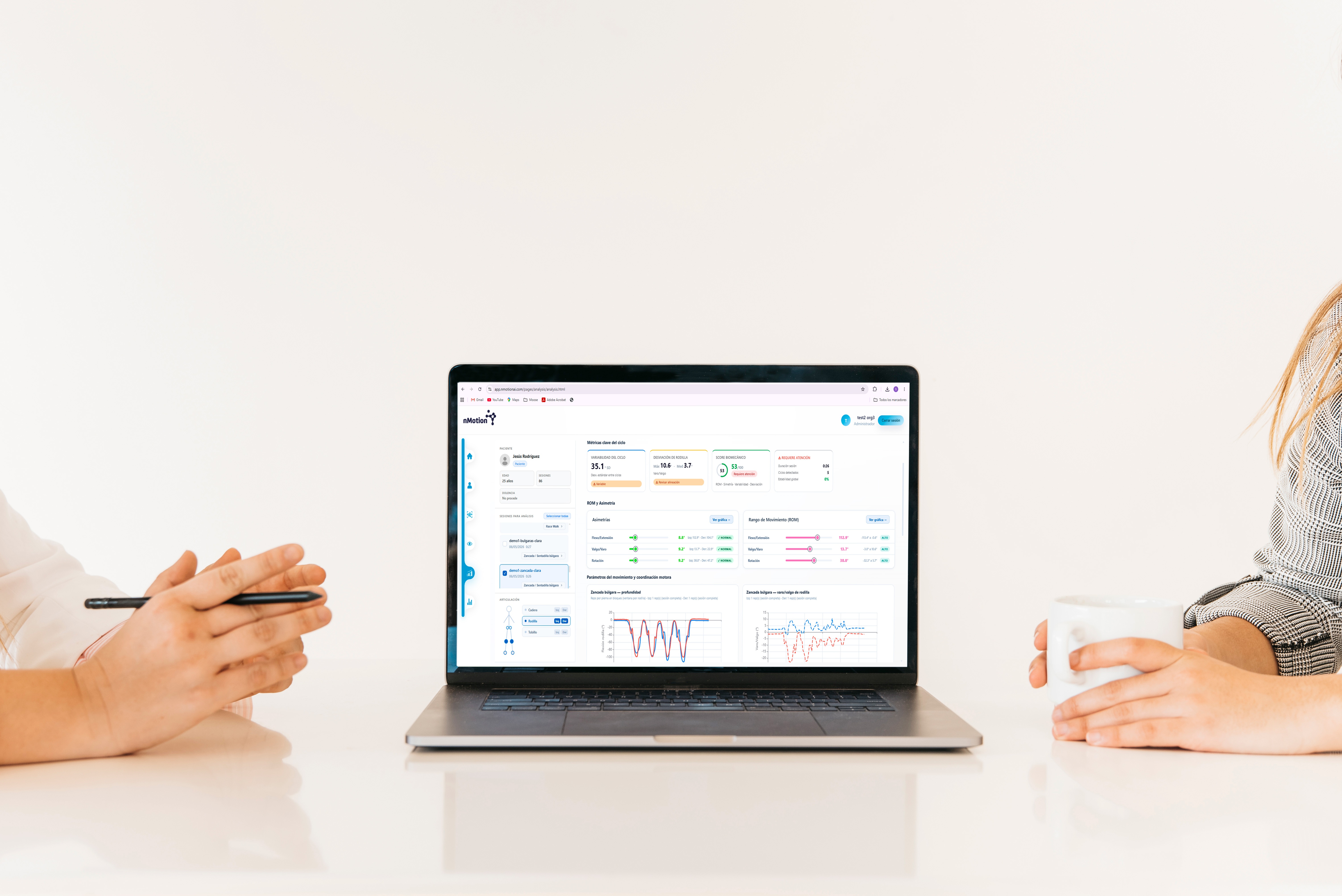
Analyze, compare, and export results
Review session metrics, compare with earlier sessions for the same patient, and export the automatic report generated at the end.
Answers to
common questions
Need more detail? Visit our full FAQ or reach out to the team.
View all questions →Want to see it live?
30 minutes with our team. We walk you through a full session tailored to your specialty.